Introduction
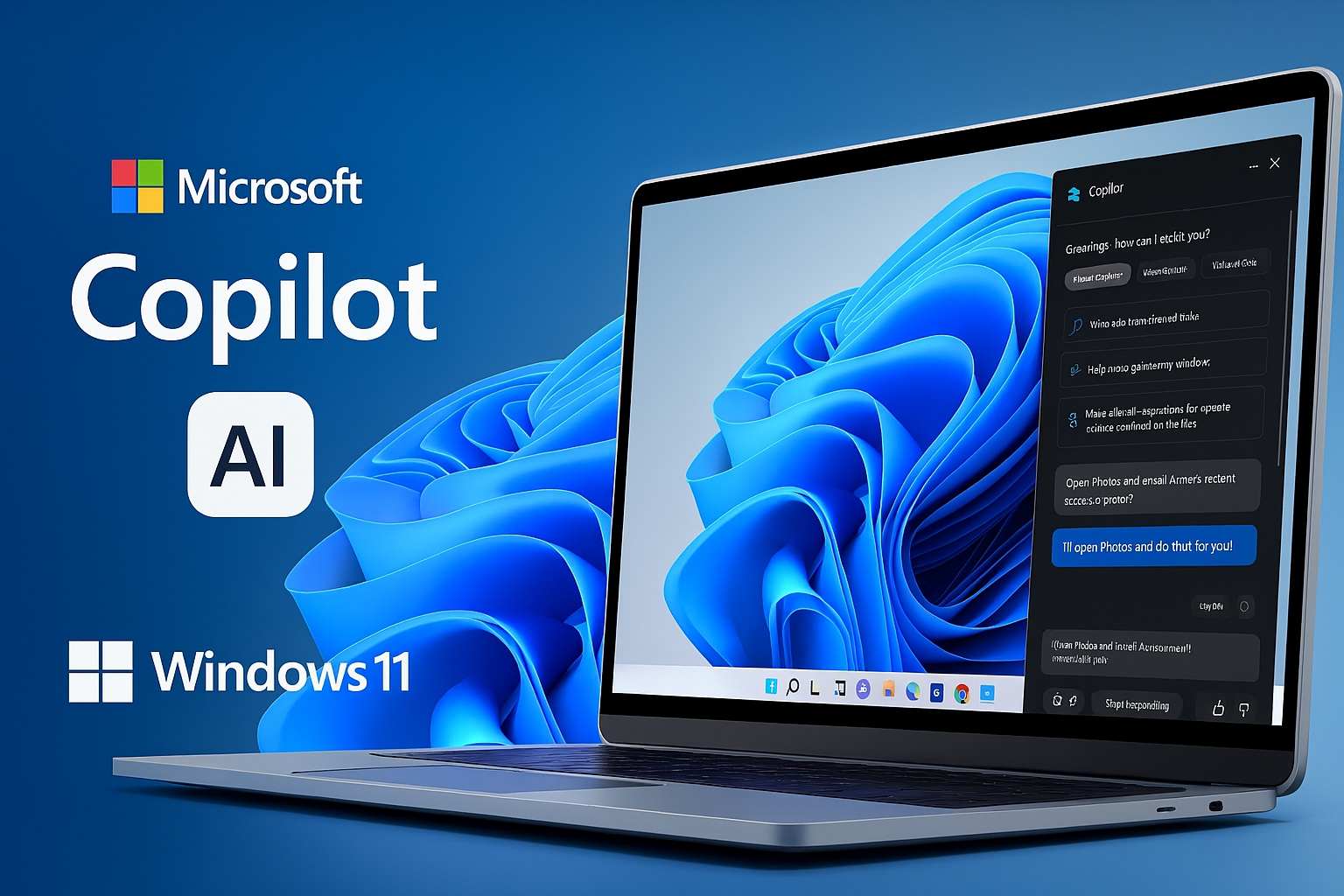
Microsoft just rolled out another wave of Copilot upgrades for Windows 11, voice activation (“Hey Copilot”), deeper on-screen understanding via Copilot Vision, and new “agentic” abilities that can take actions on your behalf. The company’s own headline says it’s “making every Windows 11 PC an AI PC.”
First, what is an “AI PC”?
In Microsoft’s strictest sense, the Copilot+ PC label requires dedicated on-device AI horsepower, an NPU capable of ≥40 TOPS, alongside baseline RAM and storage, so features like Recall, Cocreator, and Auto Super Resolution can run locally, fast, and (in theory) more privately.
What changed with the latest Copilot update?
Three things stand out:
- Ubiquity. Copilot is now more present and easier to invoke (voice, taskbar integration preview, and broader “Vision” availability), with Microsoft emphasizing AI woven through everyday Windows experiences, it is not just a sidebar chatbot.
- Actions, not just answers. “Copilot Actions” can perform tasks. For example, making reservations or manipulating files, within permission boundaries you approve.
- Not only for Copilot+ PCs. Much of this update runs on any Windows 11 machine, which is why Microsoft says “every PC” is becoming an AI PC. Independent coverage underscores that most of the new Copilot capabilities don’t require an NPU.
So, are we there yet?
Well, that very much depends on one’s definition of AI PC.
- If “AI PC” means AI features everywhere, discoverable in the shell and usable by mainstream users: Microsoft’s new update is a real step. Copilot is more proactive, more contextual, and increasingly able to do things, not just chat.
- If “AI PC” means on-device intelligence by default; low latency, private, battery friendly workflows running on your laptop’s NPU, then the Copilot+ definition still matters. Many headline features remain tied to NPU class hardware, and Microsoft’s own requirements haven’t changed.
The catch: fragmentation and fit
- Feature fragmentation. Some experiences (e.g., Recall. You can watch my video on that here) have been controversial and are still gated, optional, or hardware dependent. Organizations and even universities have urged caution; Microsoft now exposes Recall as an optional Windows feature you can enable or remove. Expect IT to curate which “AI” shows up on endpoints.
- Rollout reality. Several integrations (like taskbar level Copilot chat) are starting in Insider previews and may take time to reach everyone.
- Windows versioning. Big AI leaps have aligned with the Windows 11 24H2 platform and later; enterprise rollout pacing and known issues tracking still apply.
What it means for you
- On older PCs: You’ll see more Copilot entry points and useful assistance without buying new hardware, which is good for everyday guidance, light automation, and quick explanations.
- On Copilot+ PCs: You get the fuller vision; local AI effects, creation tools, and (where enabled) time machine style retrieval, thanks to that ≥40 TOPS NPU. This is where the AI-PC promise feels native and not bolted on.
Conclusion
Microsoft’s latest update makes Windows feel much closer to the AI-first experience it has been pitching: Copilot is more capable, more present, and beginning to act on your behalf. But the truest version of an “AI PC” still hinges on on-device NPUs and the Copilot+ class of hardware. In short: AI for everyone now; fully native AI when you buy the right silicon.
Sources: Reuters, Microsoft, Microsoft Learn, Microsoft Support, Windows Blog, Windows Central